Your garden, watered just right.
ZoneFlow watches the weather, the rain, and your soil, then decides exactly how much each part of your garden needs. No guessing, no overwatering, no dead plants because a schedule ran on a rainy day.
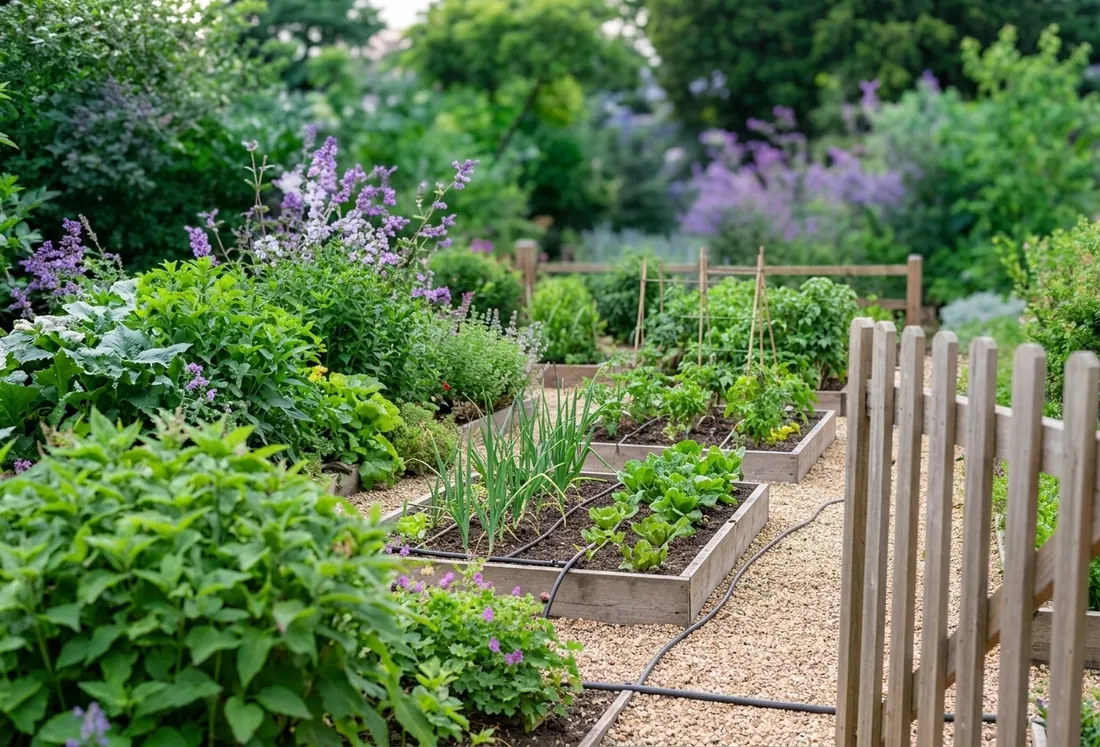
Set it up once. It looks after the rest.
Start with a single valve. Add a rain gauge, a soil sensor or a weather forecast whenever you're ready — each one just makes ZoneFlow a little smarter about that zone.
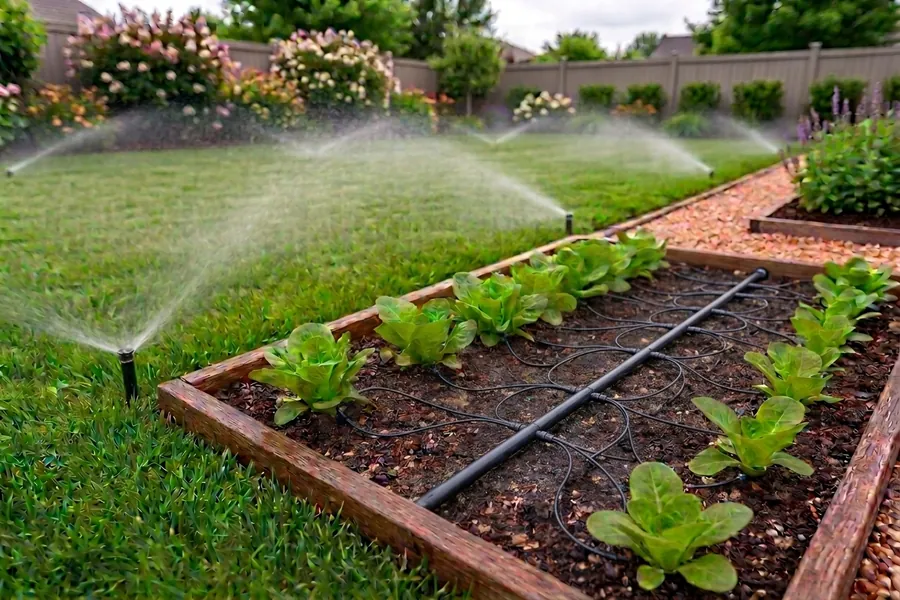
Waters by need, not the clock
Temperature, rain that already fell, the forecast, and soil moisture all factor in before a drop is used, so a day it already rained doesn't get watered again.
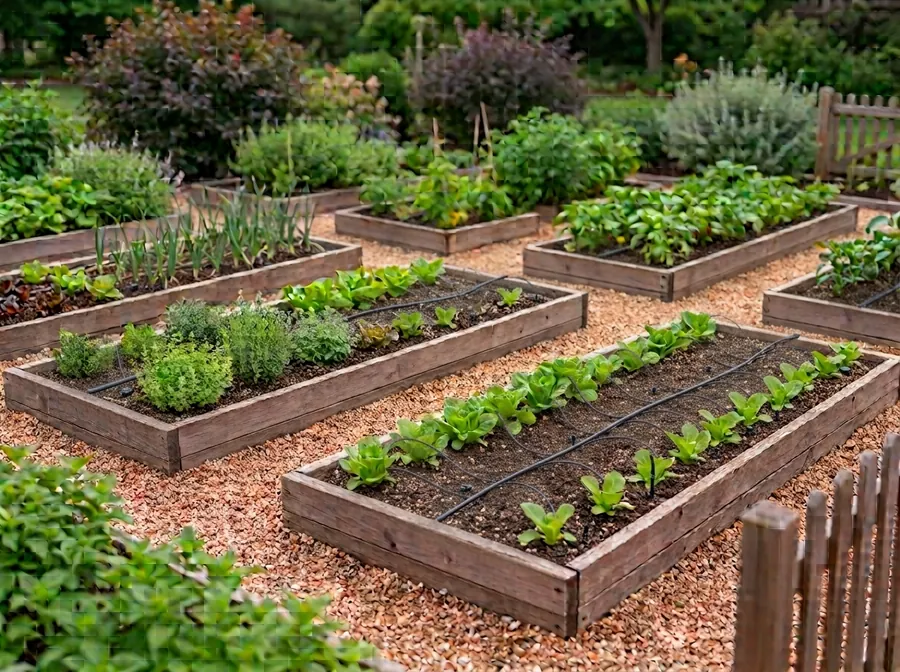
Deep soaks and light top-ups
An occasional deep watering builds strong roots, while lighter drinks keep things going in between. ZoneFlow times both automatically, per zone.
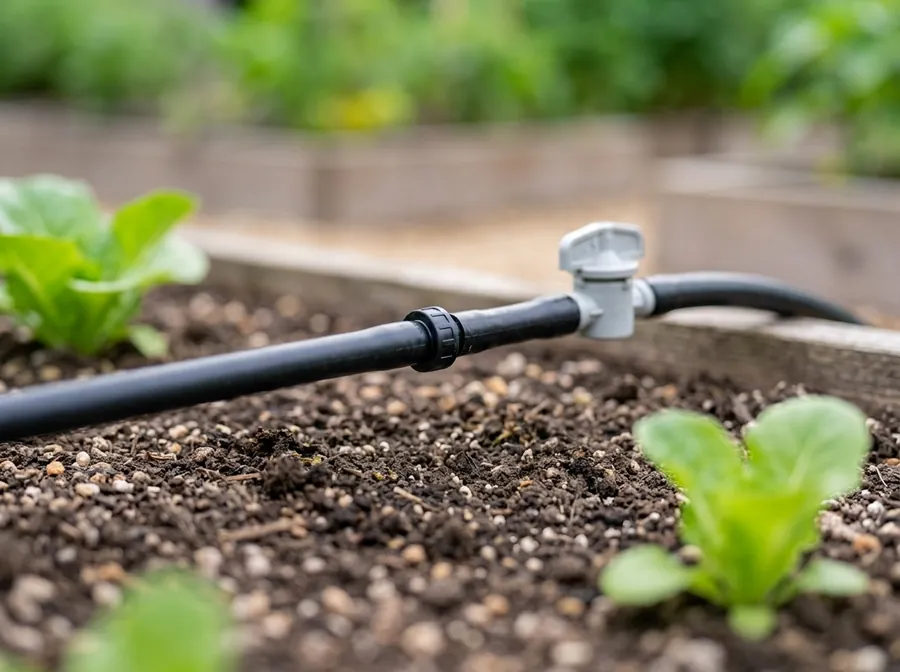
Built-in safety checks
A stuck valve, a dry line, or a power blip gets caught and shut off automatically, so a faulty sensor never turns into a flooded bed or a dead plant.
See every zone at a glance
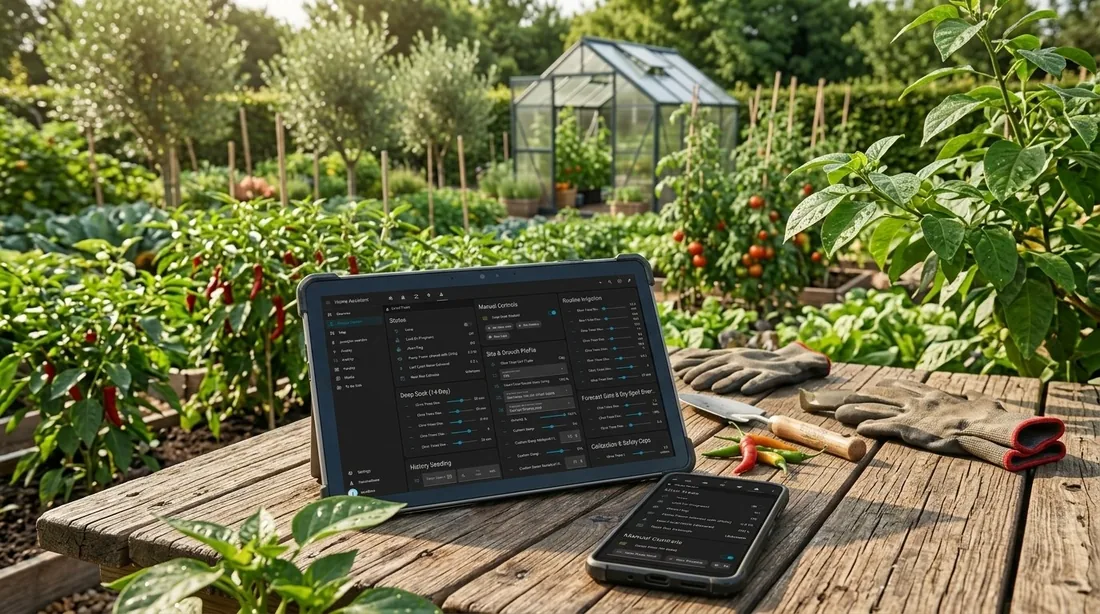
Each zone shows up on your dashboard with its own schedule and status, so you always know what watered today and what's coming up next.
- Start with just a valve — sensors are optional extras you add over time
- Every setting adjusts from the dashboard, no files to edit
- Works for drip lines and sprinklers, with shared pumps across zones
- A built-in dashboard card per zone, plus an overview of all of them
Ready to stop guessing?
Install ZoneFlow through HACS and add your first zone in a few minutes.
Get started free